TOOLS FOR MOBILE REVIEW
Open your drawing. See the details.
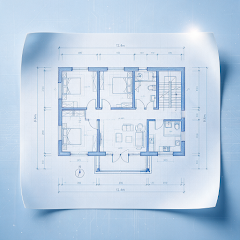
View DWG / DXF locally on Android and iOS. Pan, zoom and switch layers, model and layout views.
Get it on Google PlayView on the App Store


Android / iOS · Check the relevant store for compatibility and features

HOW IT HELPS
See the whole drawing. Then look closer.
Pan, zoom and fit the drawing to understand the overall layout before checking a particular detail.
- Open DWG and DXF drawings locally
- Switch between the file’s Model and Layout views
- Return to a working file through recent history
Continue with layers and measurements.
Use layer controls and measurement tools to inspect relevant content. The app supports viewing and review, rather than creating drawings or fully editing CAD source files.
Read the guideKeep your review moving.
Explore other tools for the task at hand.
FAQ
Common questions
Get answers about files, offline use and export before you open a drawing.
GOOGLE PLAY · APP STORE
Open your next drawing on your phone.
Install CAD Assistant to view, measure, mark up and export locally.
Check the relevant app store for device compatibility, features and installation requirements