TOOLS FOR MOBILE REVIEW
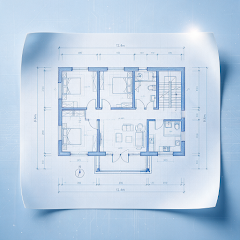
A complex drawing. A clear focus.
Hide layers you do not need, isolate the current content or restore all layers.
Get it on Google PlayView on the App Store


Android / iOS · Check the relevant store for compatibility and features

HOW IT HELPS
Focus on the content you need.
Adjust visible layers in a dense or multidisciplinary drawing to make the current check easier to follow.
- Show and hide individual layers
- Isolate a layer to focus on relevant content
- See the color and entity count of each layer
Focus first. Return to the full picture.
Hide or isolate layers for the task, then restore visibility when you finish. Layer names and organization come from the original file.
Read the guideKeep your review moving.
Explore other tools for the task at hand.
FAQ
Common questions
Get answers about files, offline use and export before you open a drawing.
GOOGLE PLAY · APP STORE
Open your next drawing on your phone.
Install CAD Assistant to view, measure, mark up and export locally.
Check the relevant app store for device compatibility, features and installation requirements